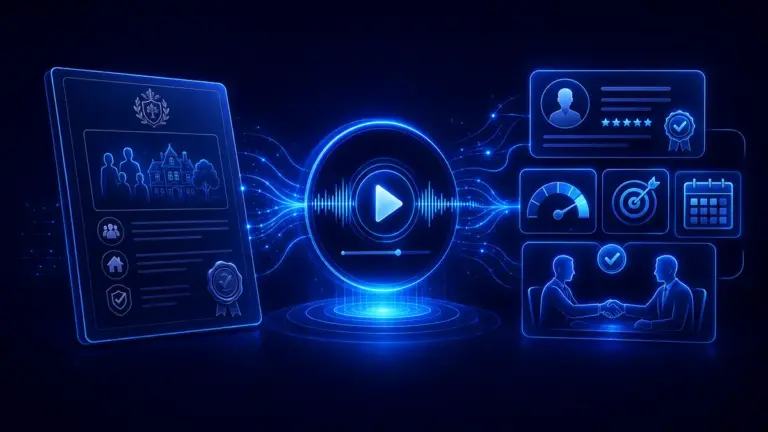
Auripath is not only useful for plain narrated business content. It can also be used to present different kinds of audio content in a cleaner, more intentional way.
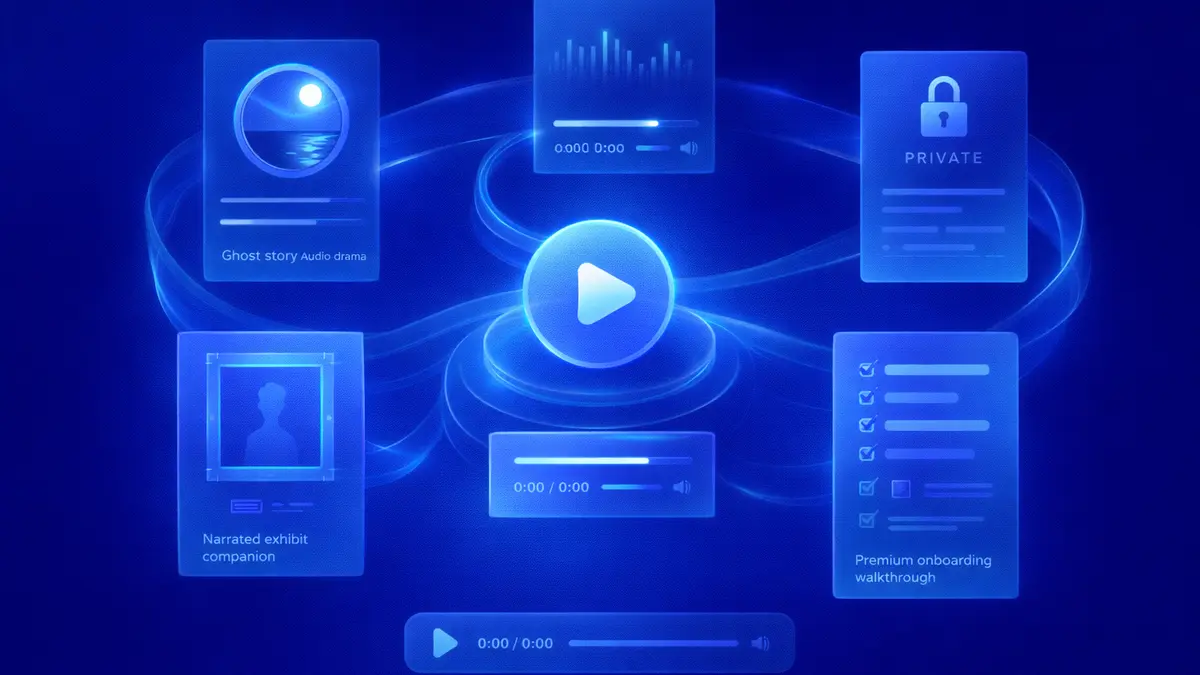
This page shows that range through five examples: a ghost story audio drama, a music preview, a private audio briefing, a narrated exhibit companion, and a premium onboarding walkthrough. In each case, the point is the same: Auripath helps package, position, and present audio content more effectively on the page.

Why this matters
A lot of audio on the web is dropped into a generic player with very little thought around it. That works for basic playback, but it does very little to shape perception, support branding, or encourage action. Good audio content deserves better presentation than a default player and a play button.If you want that listening experience to feel more deliberate on the page, you can add an audio player to your website instead of relying on a generic embed.
Auripath adds a stronger presentation layer. That means audio content can feel more deliberate, more relevant to the page, and more aligned with the goal behind it, whether that goal is engagement, audience capture, trust, or simply a better listening experience.1. A ghost story audio drama
The ghost story example below shows how Auripath can be used to present a more crafted listening experience. The value here is not that Auripath created the audio itself. The value is that it gives the piece a better home on the page. Instead of feeling like a loose file, it feels like a featured piece of audio content with a clearer identity. Instead of feeling like a loose MP3 dropped into a default player, the audio feels more intentionally presented. That matters for creative work, where tone, framing, and first impression all shape whether the listener presses play. The presentation helps the audio feel more premium before the first second is heard. For authors, it can also work as a simple email capture tool on their own website, helping turn interested listeners into subscribers they can reach later with book launches, new releases, and related offers.2. A music preview or fan capture piece
The same idea can apply to music. Auripath is not a music creation tool, but it can still help package and present audio content in a way that feels more purposeful than a generic embedded player. That means the player becomes part of the release presentation, not just a container for the track. For artists, labels, or creators, that could mean presenting a track preview, sampler, private listening link, or bonus audio in a more branded way. If the experience is gated, it can also help capture email signups from people who have shown real interest in the work. In other words, the embed can support both listening and audience growth.3. A private audio briefing
Auripath could also be used for a private audio briefing for clients, subscribers, investors, members, or internal teams. Instead of sending a dense document or long update email, the same material can be delivered in a format that feels quicker to consume and easier to revisit. This turns practical information into more usable audio content.The same approach also works when you want to turn a PDF into an audio version for onboarding packs, client briefings, or longer resource guides.
That makes the content feel more direct and more premium. It also suits situations where timing, clarity, and convenience matter more than asking people to sit down and read through a full written document. For professional updates, audio content can be easier to absorb and easier to return to later.
FREE AUDIO EBOOK
Get the free audio ebook for better B2B follow-up.
Learn how to turn PDF downloads, listening behavior, and CTA clicks into stronger sales conversations.
4. A narrated exhibit companion
Auripath could also be used for a narrated exhibit companion on a museum, gallery, archive, or heritage website. Instead of leaving visitors with only text panels or catalogue entries, audio can add context, interpretation, and atmosphere in a format that feels easier to explore. This gives cultural audio content a stronger role on the page. That makes the content more accessible and more immersive. Whether the goal is to guide visitors through an online exhibition, bring objects and stories to life, or offer an optional companion layer alongside images and text, audio gives the material a stronger presence on the page. It helps turn static interpretation into guided experience.5. A premium onboarding walkthrough
Audio can also be useful for onboarding. A welcome pack, first-step guide, or client handover document can be turned into a listening experience that feels more human and easier to follow than a long block of written instructions. This is a practical example of audio content doing real work, not just adding polish. That makes Auripath useful not just for presentation, but for practical delivery. Instead of leaving people to work through a static document on their own, audio can guide them through the important points in a more accessible and more engaging way.What these examples show
The main point is not that all of these examples are the same. It is that they are different, yet they can still be presented effectively through the same platform. That is the real strength here: Auripath can support very different kinds of audio content without forcing them into the same generic mould. Auripath can support a more atmospheric creative piece, a music-related listening experience, a private premium briefing, a narrated cultural companion, or a practical onboarding asset. That is useful because most people publishing audio content do not only have one type of material. They have a mix of educational, promotional, experiential, and functional content. Presentation flexibility matters because audio does not live in isolation. It lives on pages, inside funnels, within brand identities, and next to conversion goals. A better presentation layer helps audio content feel more valuable, more relevant, and more worth engaging with.The bigger takeaway
Auripath is not just about playback. It is about making audio content feel more intentional once it is published. Whether the goal is to make a creative piece feel more premium, capture interest around a music release, deliver a private audio briefing, support an online exhibition, or make onboarding easier to follow, the same principle applies: audio performs better when it is packaged properly. That is what these examples are here to demonstrate.If you want to see how that presentation works on a live page, see the Auripath demo. If you are deciding whether to roll it out on your own site, you can also view Auripath pricing.
FREE AUDIO EBOOK
Get the free audio ebook for better B2B follow-up.
Learn how to turn PDF downloads, listening behavior, and CTA clicks into stronger sales conversations.