PDF to audio software
PDF to Audio Software for B2B Teams
Auripath turns PDFs, guides, reports, brochures and sales assets into embedded audio with lead capture, CTAs, listening data and click data. More people consume the content. More visitors can convert. Sales can see who listened and clicked.
Embedded on your website
Lead capture optional
CTA clicks and listening data
Sales follow-up value
Product workflow
PDF → player → lead → CTA → sales follow-up
See how Auripath turns one existing PDF into an embedded player with optional lead capture, CTA clicks, listening data and follow-up value.
PDF
Audio player
Lead capture
CTA clicks
Follow-up data
Product flow
The simple flow
Auripath gives one existing PDF more ways to create value. Visitors can read or listen. Marketing can capture leads and CTA clicks. Sales can see who listened, how long they listened and what they clicked.
PDFStart with one existing asset
Embedded audioGive buyers a listen option
Lead captureTurn listeners into leads
CTA clicksTrack the next step
Listening dataSee what got consumed
Sales follow-upChase stronger leads first
Retargeting audiencesBuild smarter follow-up
What Auripath does
One PDF becomes audio, lead capture, CTAs and follow-up data
Instead of treating a PDF download as the end of the journey, Auripath helps visitors consume the content, take action and give your sales team clearer follow-up data.
Turn PDFs into embedded audio
Convert guides, reports, brochures and sales assets into listenable audio on your own website.
See how it works →Capture leads around the asset
Add lead capture where it makes sense so useful content can turn more visitors into leads.
Request setup help →Add CTAs to the listening journey
Point listeners toward pricing, demos, consultations, related pages or the next sales step.
See use cases →Track who listened and clicked
See who consumed the content, how long they listened and which CTAs they clicked.
See the workflow →Send data into your tools
Sync lead, listening and click data into tools like Zapier, Make, n8n, HubSpot or webhooks.
See integrations →Help sales chase stronger leads
Give sales a clearer reason to follow up instead of treating every PDF download the same.
See retargeting use cases →
Product features
Explore the parts of Auripath
Auripath is more than PDF-to-audio conversion. Use this section as your product map: player, lead capture, analytics, branding, integrations and setup options.
PDF to audio
Turn PDFs, guides, reports and sales assets into listenable audio.
Explore PDF to audioLead capture
Capture leads around useful content instead of relying only on downloads.
Explore lead captureLong PDF to audio
Make long guides, reports and brochures easier to consume without replacing the original PDF.
Explore long PDFsIntegrations
Send Auripath data into HubSpot, Zapier, n8n, Make, GA4 or your own workflow.
Explore integrations
Before and after
Before Auripath: downloads. After Auripath: listens, leads, clicks and follow-up.
A PDF-only asset often stops at the download. Auripath gives the same content a read-or-listen version, adds conversion points, and shows which leads actually consumed the asset.
PDF-only
- Download may not mean interest
- Hard to know who read it
- Follow-up is generic
- Sales gets little useful context
- Retargeting is based mostly on visits or form fills
With Auripath
- Visitors can read or listen
- Lead capture can sit around the asset
- CTAs can be tracked
- Sales can see who listened and clicked
- Marketing can build stronger follow-up and retargeting audiences
Who it is for
Built for B2B teams with PDFs that should create revenue
Auripath helps teams get more value from guides, reports, brochures, sales assets and client resources they already use.
Marketing teamsTurn guides and reports into lead capture, CTAs and follow-up data.
Sales teamsSee which prospects listened, clicked and showed real interest.
AgenciesAdd audio, lead capture and reporting to client PDFs.
Partner teamsTrack who consumes partner guides, onboarding packs and sales assets.
Events and webinarsTurn post-event PDFs into follow-up assets.
Customer educationMake guides easier to consume and easier to track.
How to buy
Use Auripath yourself or let us set up the first PDF
Start with self-serve if you want to build and publish yourself, or use the done-for-you route if you want help getting the first asset live.
Self-serve
Use Auripath to create, configure and publish embedded audio assets yourself.
See pricing →Done-for-you setup
Send one PDF and we will turn it into embedded audio with lead capture, CTAs and listening data.
Request setup help →
Analytics and follow-up
Show sales who listened, clicked and came back
A PDF download alone does not show real interest. Auripath shows who listened, how much they listened to, which CTAs they clicked and which content each lead cared about. That helps sales chase stronger leads first.
Listening depthSee how much of the audio people consumed.
CTA clicksSee which calls to action actually got clicked.
Lead captureSee which listeners turned into leads.
Sales priorityHelp sales chase stronger leads first.
Workflow
Send listening and click data into your follow-up workflow
Send lead, listening and click data into tools such as Zapier, Make, n8n, HubSpot or your own workflow. Marketing can follow up based on behavior, and sales can separate listeners, clickers, drop-offs and weak downloaders.
Capture the lead
Use optional lead capture around the player so useful content can create more leads.
Send the data
Pass lead, listening and click data into tools like Zapier, Make, n8n, HubSpot or webhooks.
Trigger follow-up
Route stronger leads into CRM, email, tasks, retargeting or the next sales step.
FAQS
Frequently asked questions
Is Auripath just PDF to audio software?
No. Auripath turns PDFs into embedded audio with lead capture, CTAs, listening data and click data, so the asset can support sales follow-up and marketing workflows.
Do I need to replace my PDF?
No. Auripath gives the same content a read-or-listen version. Visitors can still read the PDF, but they can also listen and take action through the embedded player.
Can Auripath capture leads?
Yes. Auripath can add optional lead capture and CTAs around the audio player so useful content can turn more visitors into leads.
Can sales see who listened?
Yes. Auripath can show who listened, how long they listened and which CTAs they clicked, giving sales a clearer reason to follow up.
Free guide
Want better follow-up from PDF content?
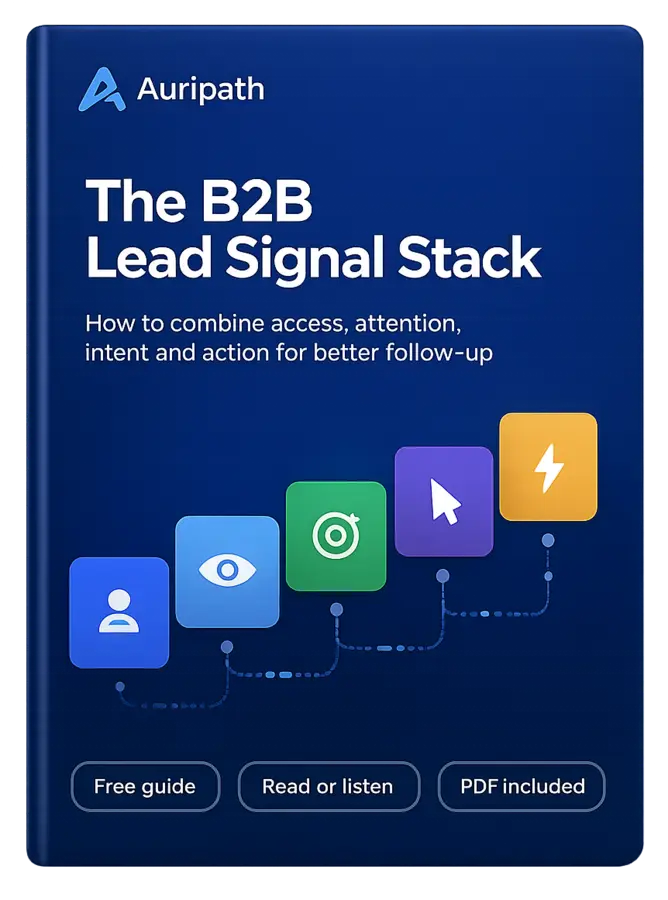
Get the free B2B Lead Signal Stack guide and see how downloads, listening behavior and CTA clicks can help sales chase stronger leads first.

FREE AUDIO EBOOK
Get the free audio ebook for better B2B follow-up.
Learn how to turn PDF downloads, listening behavior, and CTA clicks into stronger sales conversations.