Lead capture
Capture leads without making the content experience worse.
Use optional capture before audio playback when it supports the page, the resource, and the visitor journey.
Works with existing content
No website rebuild
Built for your site
No website rebuild
Built for your site
Lead capture
Watch capture work inside the experience
See how lead capture can sit alongside audio playback instead of feeling like a separate form.
Optional capture
Audio gate
Lead data
Audio gate
Lead data
What it helps with
Capture leads without making the content experience worse.
Use optional capture before audio playback when it supports the page, the resource, and the visitor journey.
Capture before playback
Ask for an email or basic details before someone listens when the resource supports it.
Listen-first is supported
Let people sample or consume first when that creates a better experience.
Use cleaner context
Capture interest around the specific guide, report, or resource they are consuming.
Measure engagement
Pair lead capture with playback data so you know what happened after signup.
Why it matters
A form alone does not tell you whether someone paid attention.
Auripath connects capture with the audio experience, so the lead is tied to a specific content interaction.
- Use capture when it fits the offer.
- Avoid forcing the same form pattern onto every resource.
- Connect signup data to engagement signals.
- Send captured leads to follow-up workflows.
GuidesCapture interest around useful advice.
ReportsGate higher-value resources.
WebinarsSupport follow-up material.
CampaignsImprove resource conversion paths.
How it works
A simple path from useful content to a better experience.
Use Auripath to turn existing content into a branded audio experience that can be published, measured, and improved over time.
FAQS
Frequently asked questions
Do I have to gate the whole audio experience?
No. Auripath can support different approaches, including ungated listening, lead capture before access, or calls to action after someone has started engaging.
Can the player include calls to action?
Yes. Auripath is designed for content that should lead somewhere, such as booking a call, requesting a sample, speaking to sales or submitting an enquiry.
Where do captured leads go?
Leads can be viewed in Auripath and routed into other tools using webhook-based lead sync, Zapier, n8n, Make or a CRM workflow.
Can I use Auripath alongside existing forms?
Yes. You can keep your existing website forms and use Auripath for the audio experience and engagement signals. For simpler setups, Auripath can also handle the lead capture step directly.
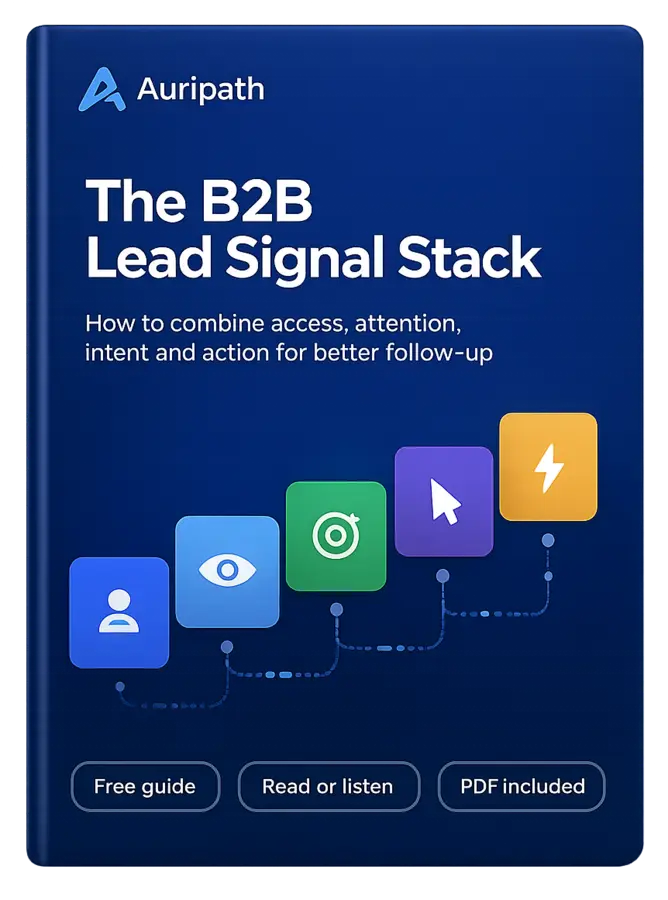
Learn how to turn PDF downloads, listening behavior, and CTA clicks into stronger sales conversations.
 FREE AUDIO EBOOK
Get the free audio ebook for better B2B follow-up.