Why accounting firm client resources pages often underperform
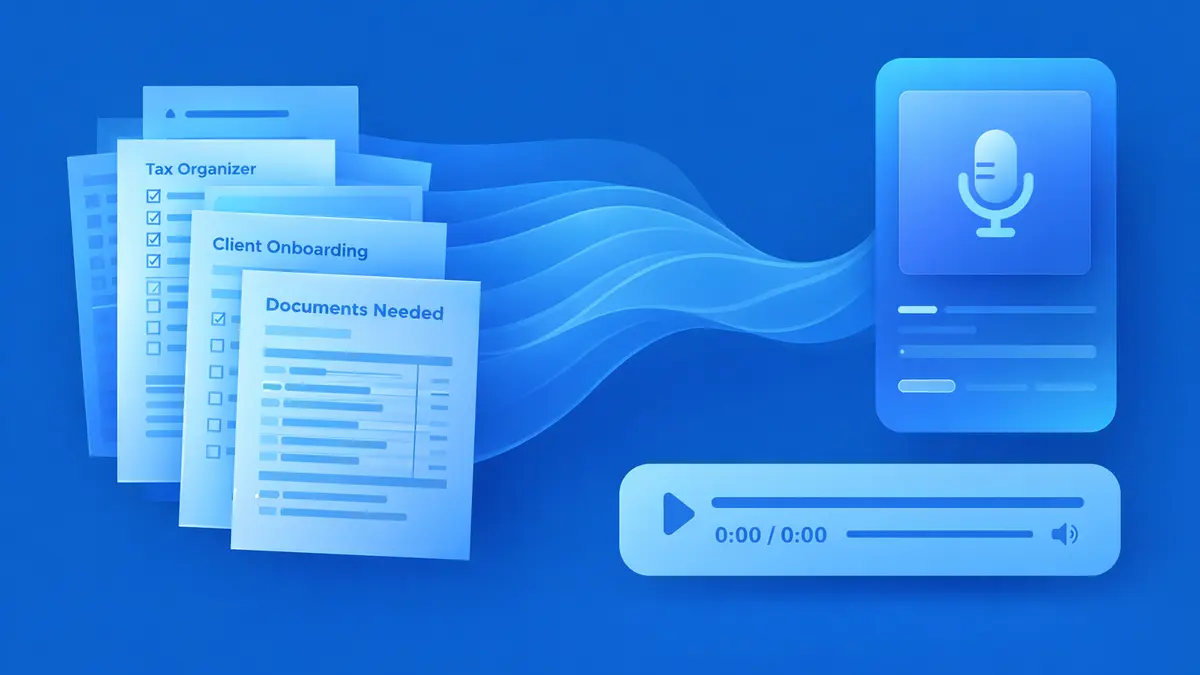
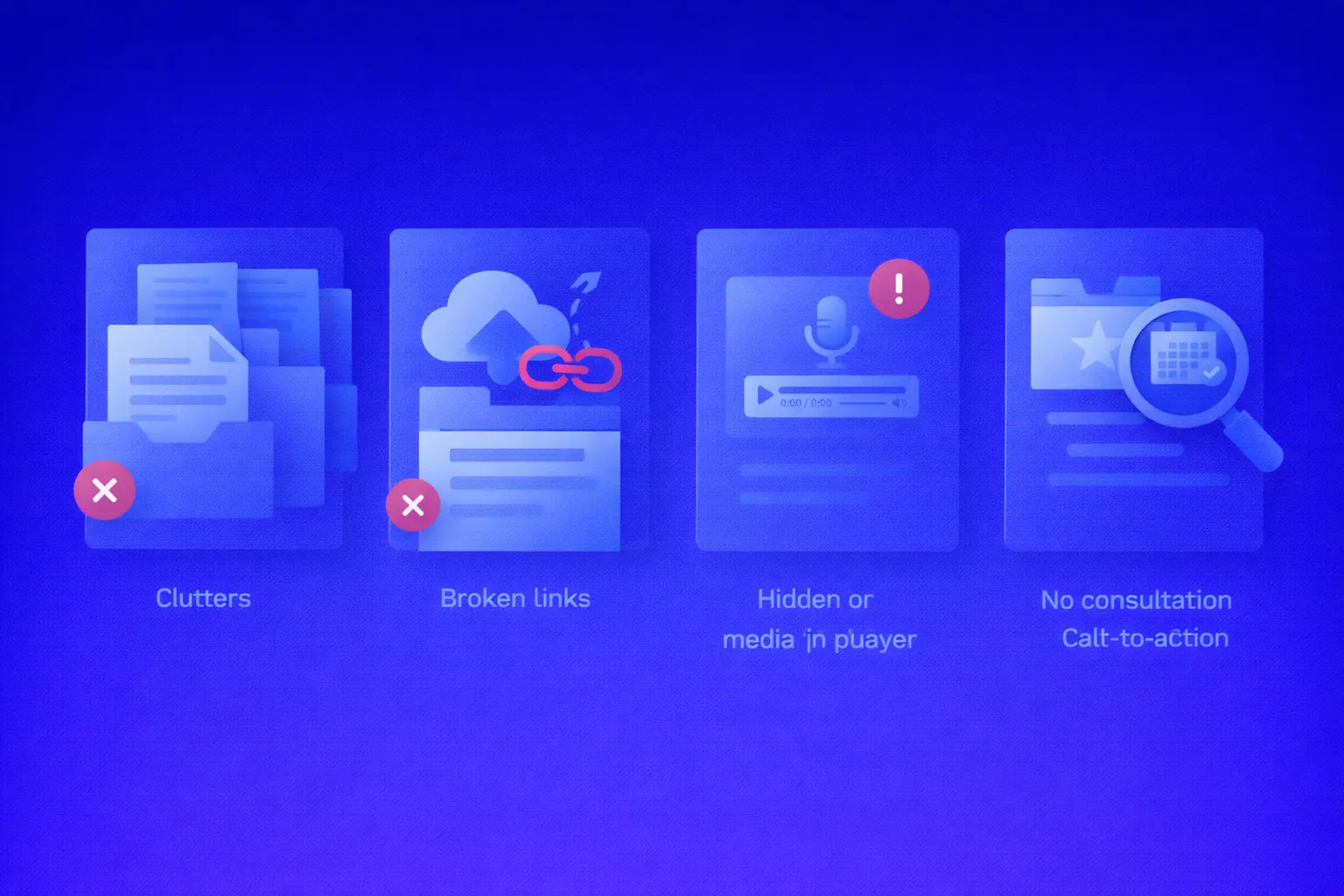
Most firms already use labels prospects understand instantly. On some sites, that looks like a straightforward Client Resources page. On others, it shows up as tax organizers, a homework checklist, extension guidance, and a tax planning guide. Some firms pair organizers with important dates and federal forms. Others lean harder into portal instructions, upload workflows, and checklist sequencing. Different structure. Same opportunity. The raw material is already there. So the opportunity is not to rename everything. It is to make the experience around those assets easier to consume. Right now, most accounting firm client resources pages do the first half of the job well enough. They help people access the content. The second half is where firms lose momentum. They do not do enough to help people finish it. If you want Client Resources to support growth, the page has to do more than deliver a file. It has to reduce friction, increase follow-through, and make the next step feel obvious.
The real problem is not downloads. It is completion.
This is the quiet leak in the funnel. Most people do not fully consume long-form content. On the average web page, users have time to read at most 28% of the words, and 20% is more likely. Attention also disappears fast, with 55% of visitors spending fewer than 15 seconds actively on a page. And in B2B, there is often a delay between requesting content and actually consuming it, with NetLine reporting an average 38.5-hour gap in 2024. That is the same basic problem behind the content consumption gap: people ask for content quickly, but consume it slowly, partially, or not at all. In accounting, that gets expensive. If someone downloads your Documents Needed Checklist and only skims it, they guess. If they half-read your welcome packet, they miss the process. If they open the organizer and never finish it, your team ends up chasing documents over email. So the KPI that matters most on Client Resources is not “downloads.” It is completion. Because completion is where understanding happens. It is where confidence happens. And very often, it is where conversion happens. That is also why benchmarks for PDFs, audio, and read-or-listen guides are more useful than raw download numbers on their own.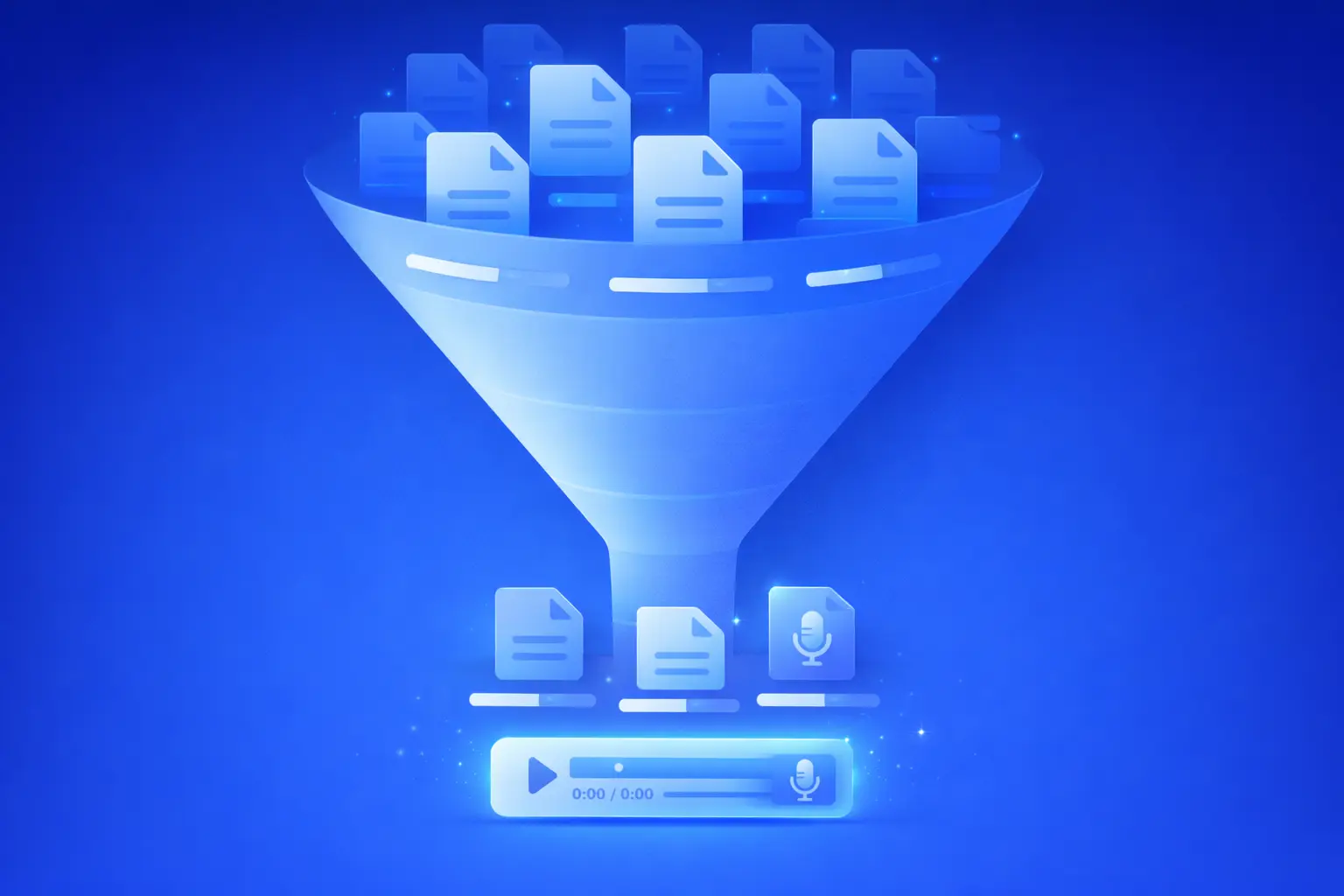
Why this matters commercially, not just operationally
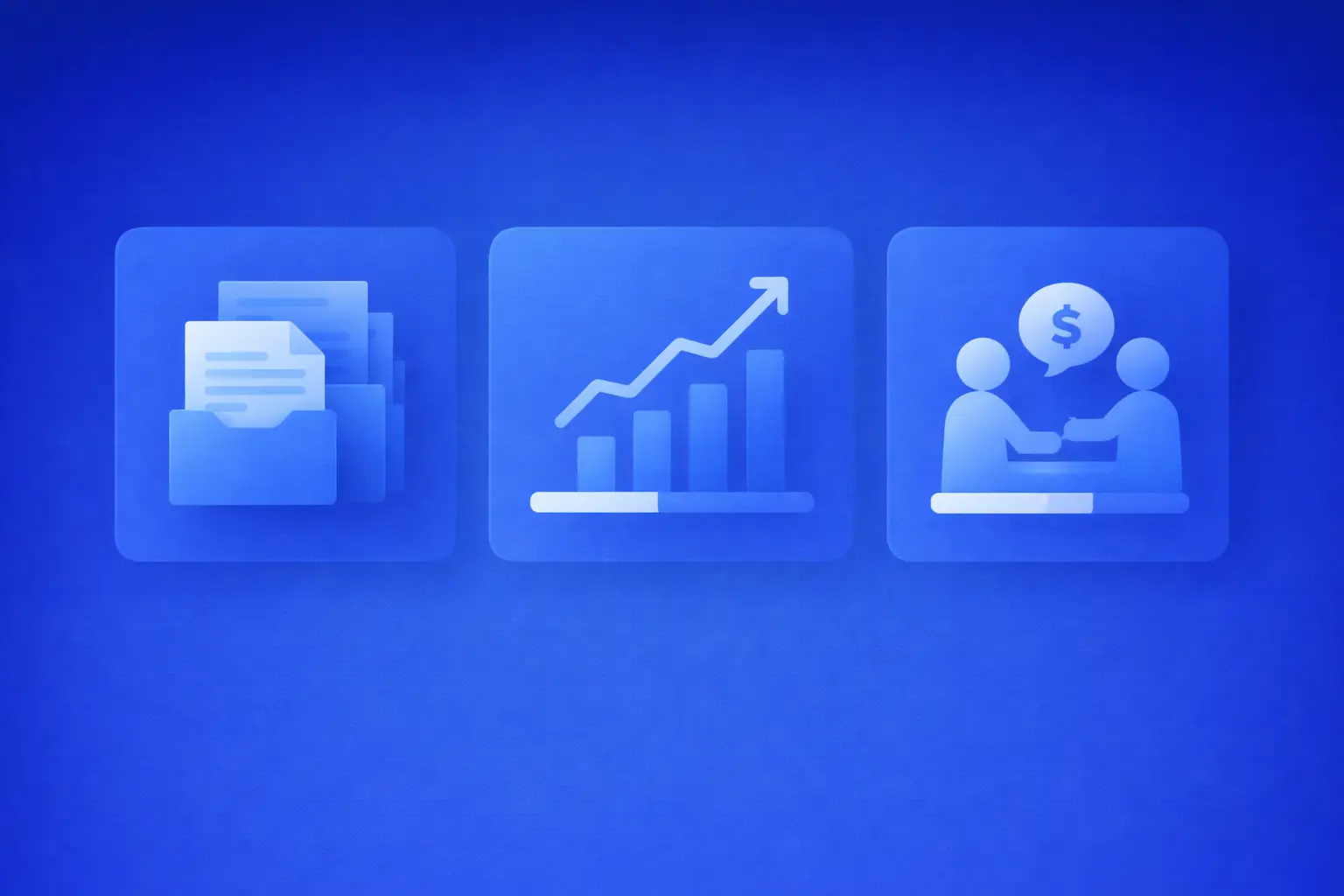
When someone finishes a resource, three good things happen.- They submit cleaner information.
- They feel your process is more organized.
- They are more likely to move to the next step, whether that is replying, booking, or becoming a client.
Audio works because it helps people finish
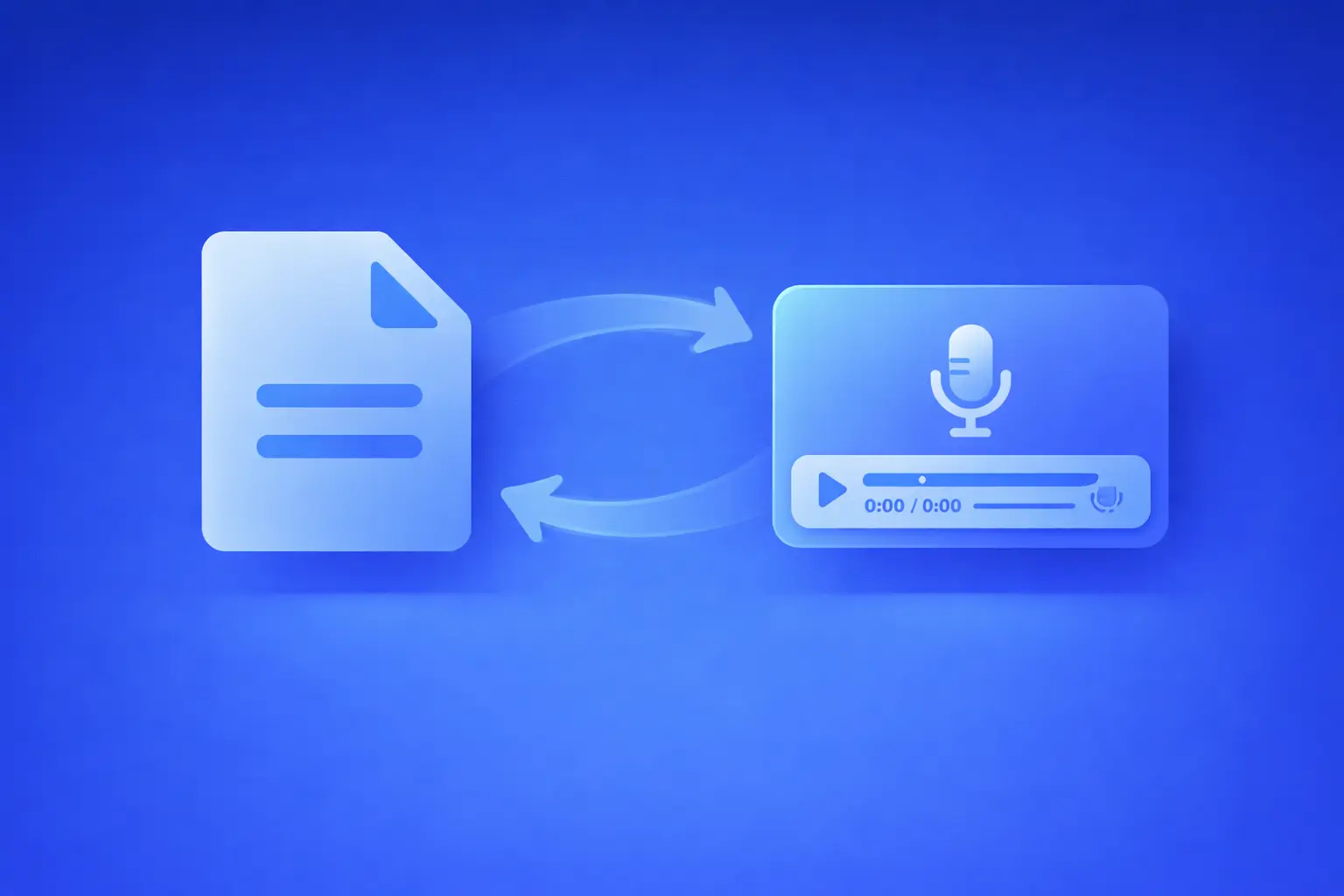
This is why audio belongs here. Not because audio is trendy. Because audio is convenient. Podcast listening is now mainstream in the U.S., which is one reason short audio explainers feel so natural. The same preference for flexible, on-your-time consumption shows up in webinars too, with on-demand viewing now making up a large share of webinar attendance. It also shows up in replay behavior, with replays accounting for a substantial share of webinar views. That is exactly why “read or listen” works so well on an accounting resource page.- Some people will still read the PDF.
- Some will listen while sorting paperwork.
- Some will start reading and finish listening.
- Some will only complete the resource because the audio version exists.
The assets you already have are enough
This is where most firms overthink it. They assume they need a whole new content strategy. You probably do not. Most firms already have enough raw material sitting inside Client Resources, Forms, Downloads, or the client portal. That can include organizers, checklists, welcome packets, engagement letters, upload instructions, planning guides, FAQ pages, worksheets, deadline reminders, and service explainers. In other words, you do not need a giant editorial calendar. You need to take the assets people already ask for and make them easier to finish.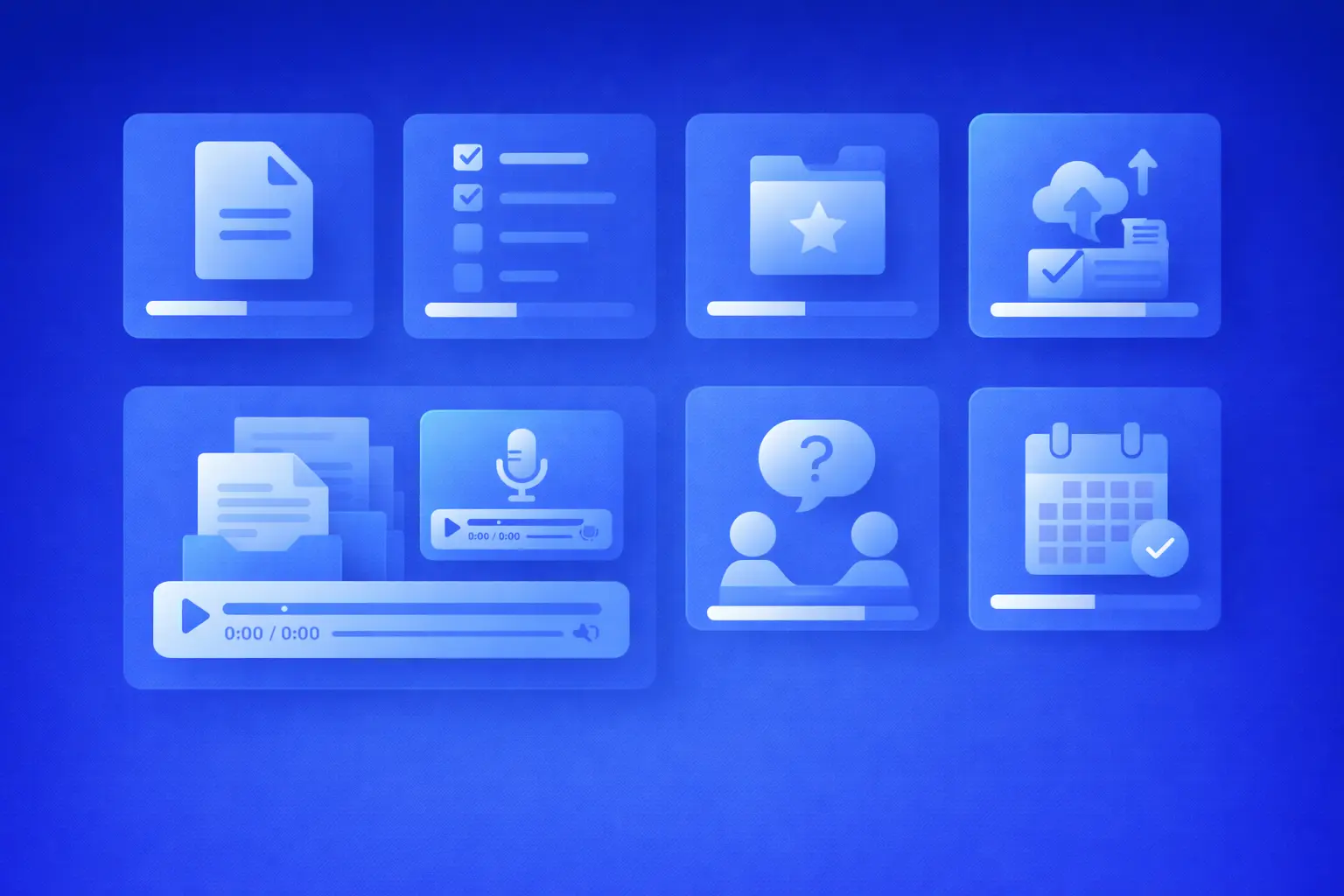
A simple way to choose where to start
This is where a lot of firms get stuck. They have multiple PDFs, but no obvious starting point. So use a simple prioritization framework.Start with urgency
If people need it quickly, completion matters more. Organizers, document checklists, upload instructions, and new client packets usually score high here.Then look at support burden
If your team answers the same question every week, that asset is a strong audio candidate. Repetitive confusion is usually a sign that the document alone is not doing enough work.Then look at commercial value
If the asset influences whether someone books a call, replies to an email, or feels confident enough to proceed, it deserves attention early.Then look at effort
A one-page checklist or portal guide is often easier to test than a large planning guide. Quick wins matter, especially if this is your first rollout. A practical way to choose is to ask one question: which asset creates the biggest mix of urgency, confusion, and lead value? That is usually where you start.
What to convert into audio first
Not every PDF deserves an audio companion first. Start with the ones where completion has the biggest operational or commercial payoff.1. Organizers and questionnaires
A tax organizer is a client-facing document, which is exactly why it makes such a strong first audio candidate. It is useful, important, and often intimidating. A short walkthrough makes it feel manageable. That lines up with AICPA’s view that organizers remove guesswork and improve efficiency during tax season.2. Documents checklists
These are high value because they directly affect the quality of what clients send you. The audio does not need to read every item. It just needs to explain where to start, what people miss, what “complete” looks like, and what to do if something is missing.3. New client packets and onboarding
These quietly improve conversion because they make your firm feel organized before the first real interaction.4. Portal and upload instructions
This is one of the most practical wins. Detailed upload instructions, file expectations, and checklist sequencing are exactly the sort of assets that become more useful with a short audio guide.5. Planning guides and explainers
These are better as short briefings than full narrations. The goal is not to force someone through a 30-page guide. The goal is to get them to the takeaway and the next action.
The format matters more than the asset
This is where firms either win or make the whole thing painful. Do not just read the PDF out loud. That is not a walkthrough. That is punishment. Match the format to the asset.- Walkthrough: best for organizers, checklists, and portal instructions.
- Orientation: best for welcome packets, onboarding, and engagement letters.
- Briefing: best for planning guides, deadline explainers, and updates.
- FAQ roundup: best for service pages and high-intent landing pages.

Get the free audio ebook for better B2B follow-up.
Learn how to turn PDF downloads, listening behavior, and CTA clicks into stronger sales conversations.
What this looks like on an actual page
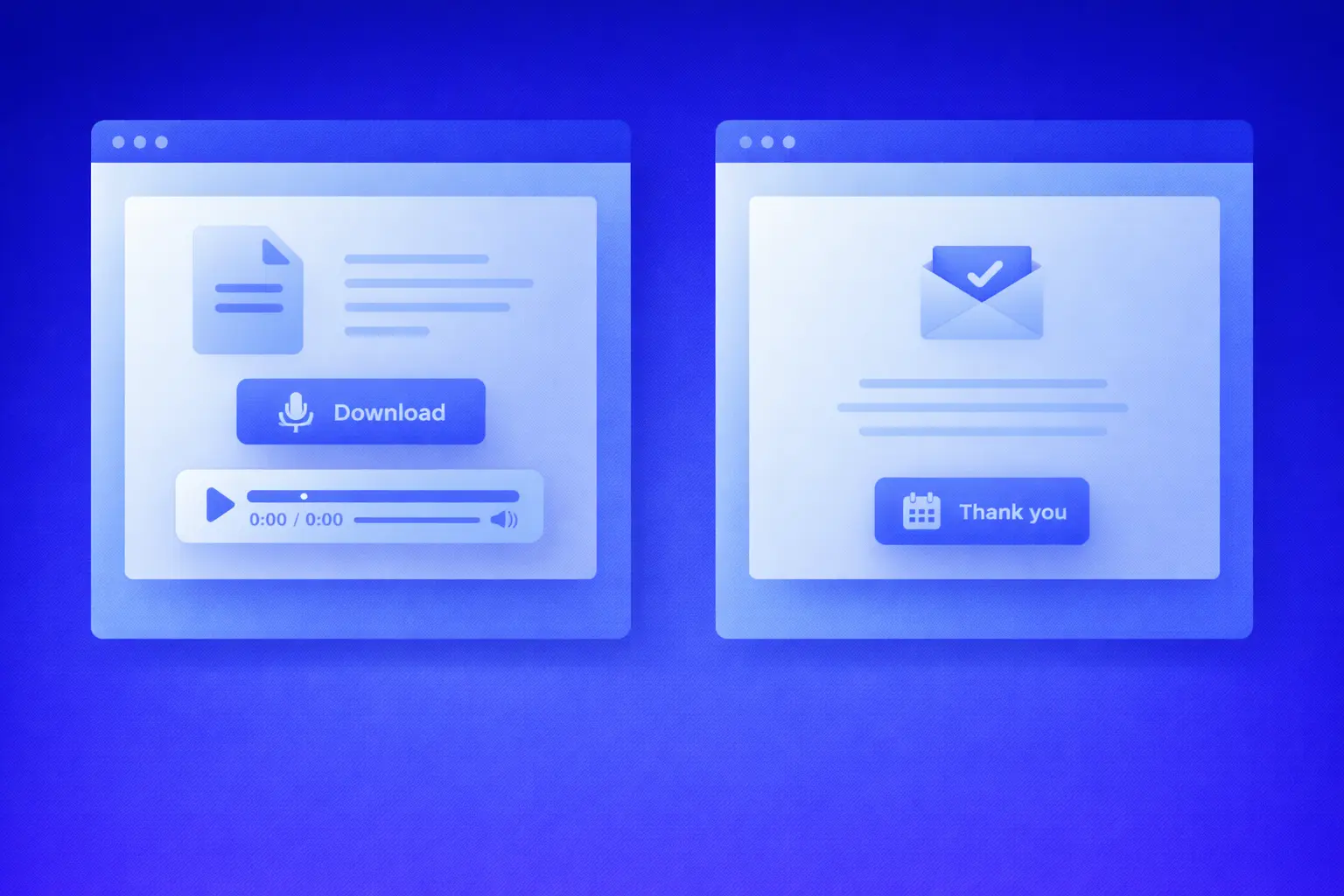
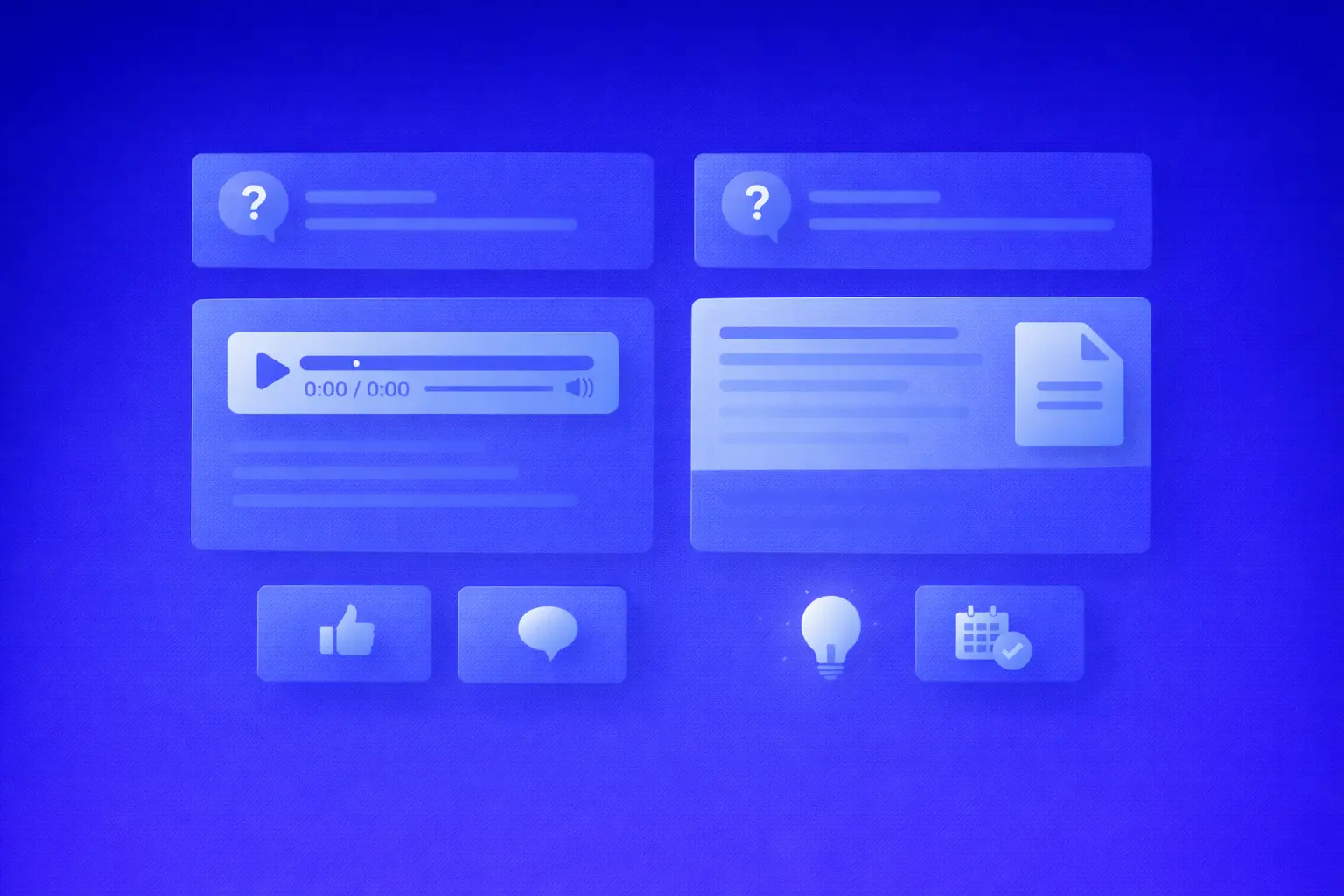
This is where the idea becomes practical. If you want to hear a short example, listen to the accounting firm client resources audio guide. Imagine a Client Resources page with a tax organizer card. Instead of only showing a download button, the page could present:- Download the organizer
- Listen to the 8-minute walkthrough
- Need help? Book a consultation
- Get the checklist
- Listen to the 5-minute version that explains the most-missed items
- Reply if anything is unclear
- Your PDF is ready
- Prefer listening? Play the walkthrough now
- Want us to handle it? Schedule a call
Where to place audio so it actually moves people forward
Placement matters more than most firms realize. A good audio guide buried in the wrong place is still a missed opportunity. Here are the four placements that do the most work.1. Next to the PDF on Client Resources
This is the easiest win. Someone comes for the organizer. Put the player right beside it.2. On the thank-you page after the download
Most thank-you pages do almost nothing. That is wasted intent. The thank-you page should deliver the PDF, offer the walkthrough, and point to the consultation CTA.3. On service pages above the CTA
A short audio overview works like a confidence shortcut. It helps prospects understand the process before they book.4. Inside onboarding and portal flows
This is where audio becomes operational leverage, not just marketing. It reduces support friction, confusion, and broken submissions.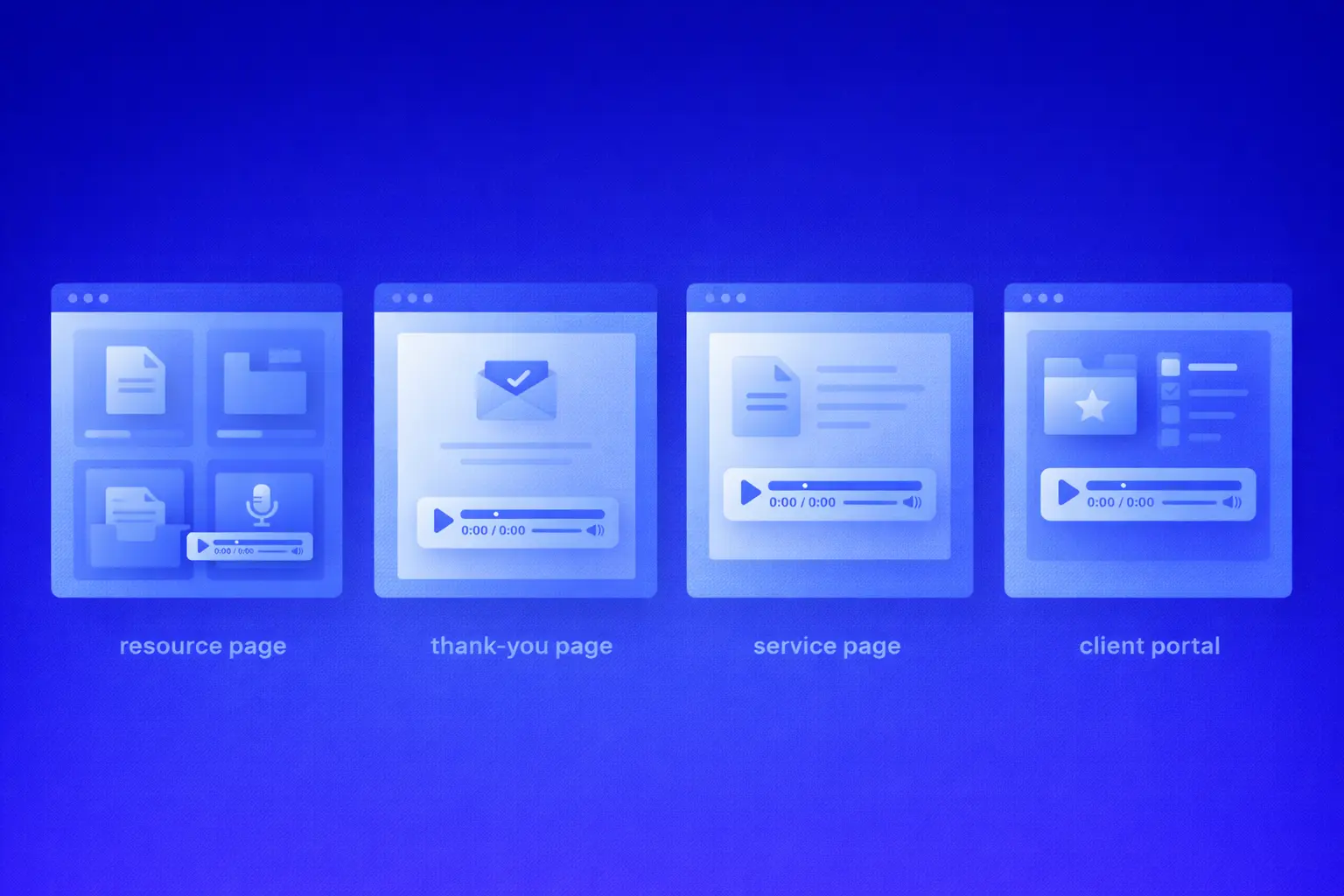
How to use this for lead generation without making it feel gimmicky
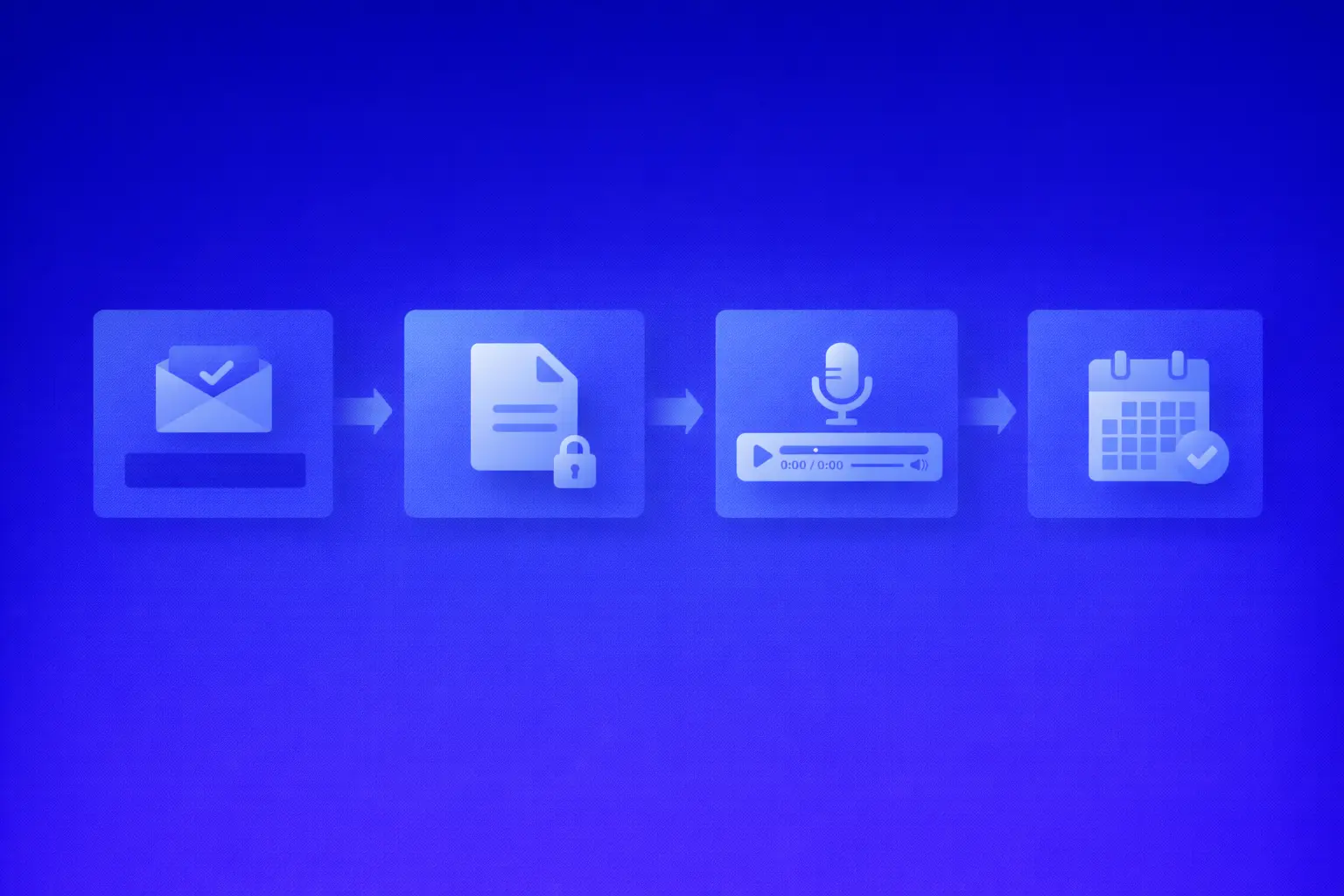
A lot of firms already use PDFs for lead generation. That is fine. They offer the checklist, capture the email, send the PDF, and follow up. The weak link is what happens after delivery. A delivered lead is not necessarily a consumed lead. That is why the better play is not just gating the PDF. It is designing the experience so people are more likely to finish it.If you want to keep that experience useful without forcing every visitor through the same form, you can add lead capture to audio guides at the point where it fits the resource.
Pattern 1. Gate the PDF, keep the audio open
Good for organic traffic.Pattern 2. Offer a short audio preview, gate the full version
Good when the walkthrough itself is the value.Pattern 3. Gate both for niche or paid campaigns
Good when the intent is already high. And keep the labels plain.- Download the organizer
- Get the checklist
- Listen now
- Prefer listening? Play the walkthrough
A simple follow-up sequence that helps more people finish
Lead capture is only half the job. What happens after the download matters just as much.Email 1: delivery plus the walkthrough
Send the PDF. Include the audio. Keep the message simple. The goal is to help the lead start, not overwhelm them.Email 2: the most-missed items
Highlight the two or three mistakes that cause the most delays. This email works because it increases the perceived value of finishing the resource.Email 3: the soft consultation invite
Now you can invite the next step. Not because they downloaded the asset, but because they have had a chance to consume it. The main thing is timing. When consumption often happens with a delay, your follow-up sequence should respect that instead of acting as if every lead consumes instantly.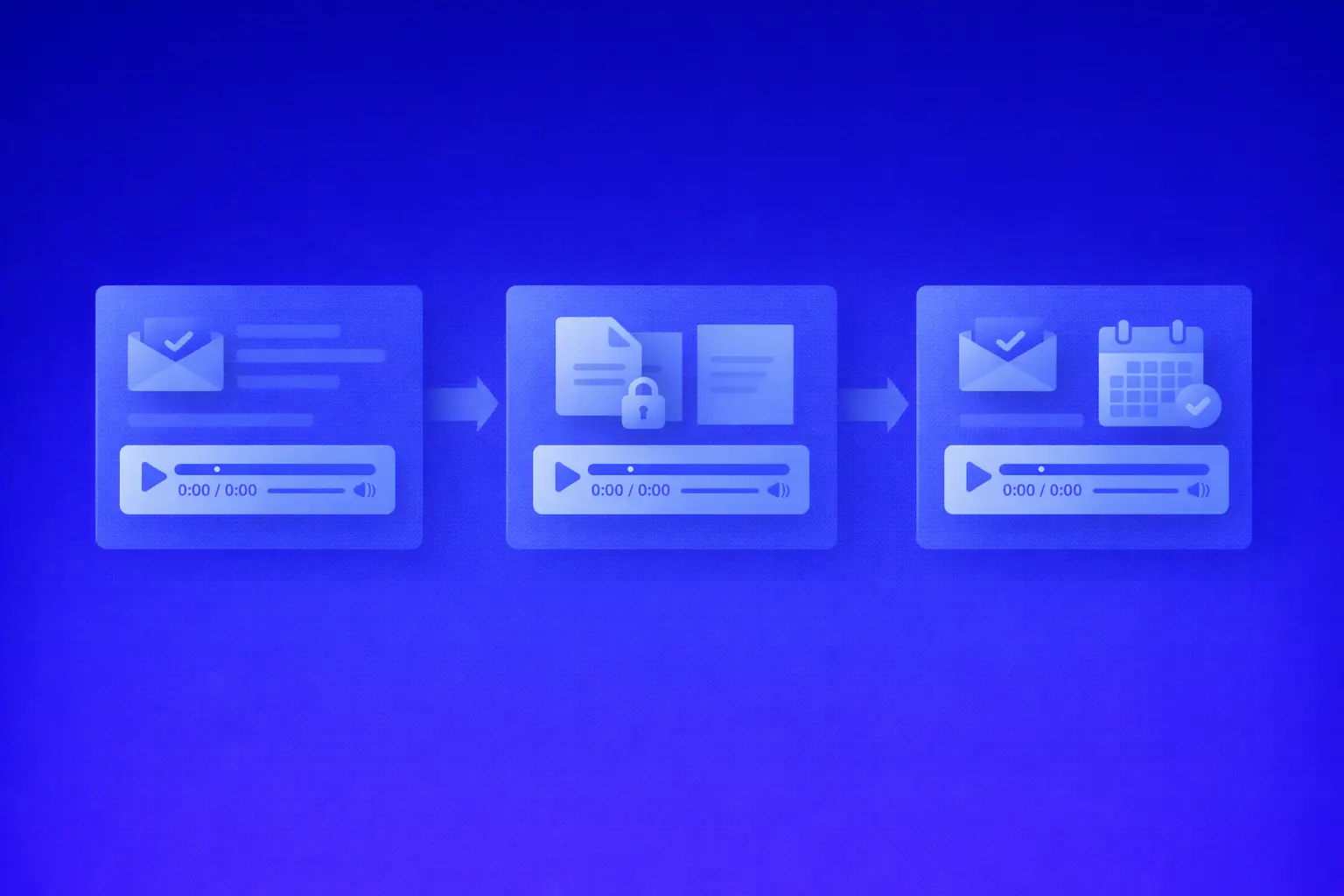
What to measure if you want this to work
If you only track downloads, you will make bad decisions with confidence. Track page views, email capture rate, plays, percent listened, completion rate, clicks to consultation, and replies from follow-up emails.That becomes far more actionable when you can measure content engagement with plays, completions, and follow-up clicks instead of relying on a file download alone.
Audio is especially useful here because it gives you a cleaner completion signal than most PDFs do. Once you know what people actually consume, you can follow up based on real engagement instead of guesswork. That is the same logic behind looking at consumption benchmarks across PDFs, audio, and read-or-listen assets instead of obsessing over downloads alone.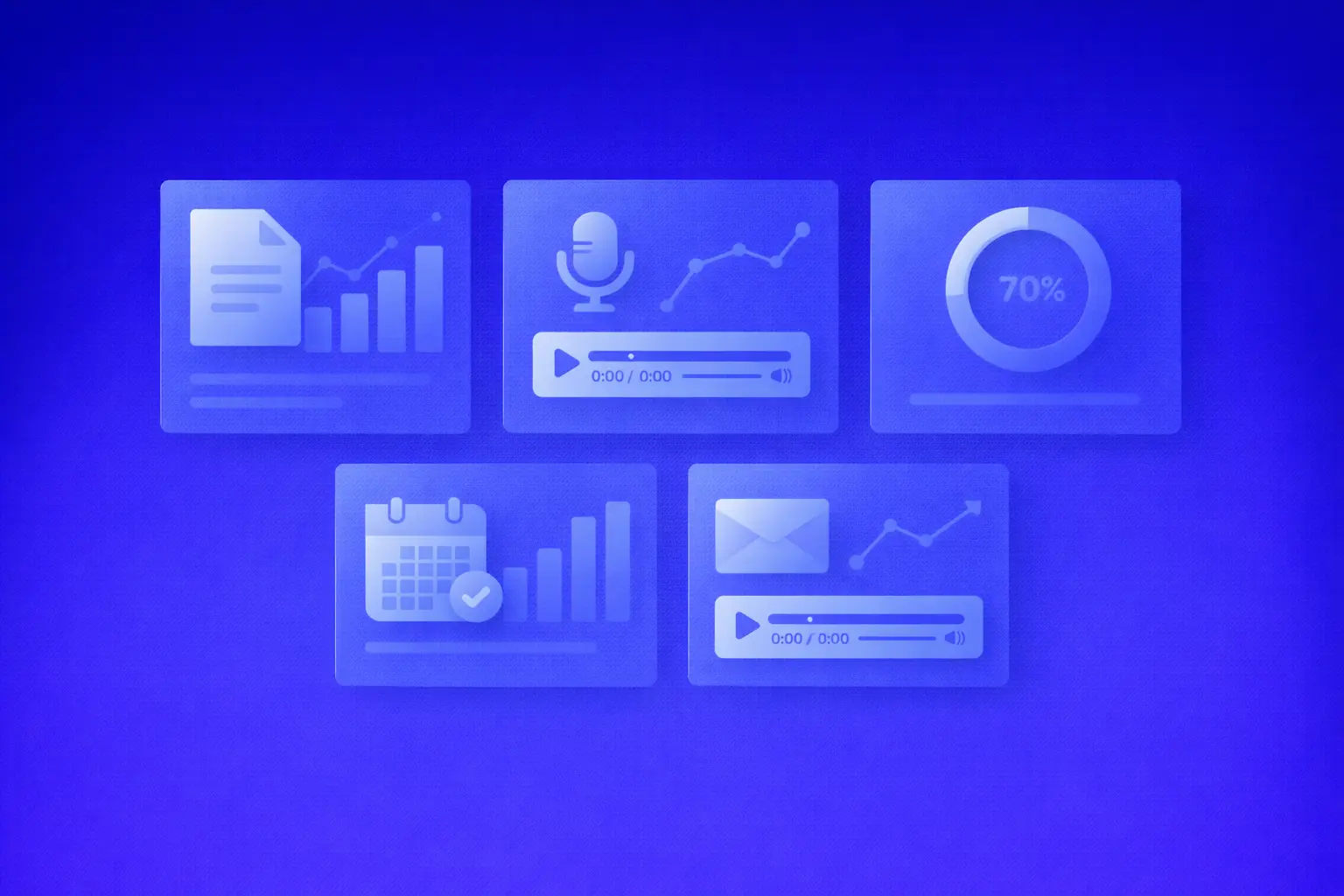
Common mistakes that make this underperform
You do not need a perfect system. You just need to avoid the obvious traps.- measuring downloads instead of completion
- reading a checklist word for word
- making the audio too long
- burying the player below the fold
- gating too early without proving value
- wasting the thank-you page
- skipping the follow-up sequence
Frequently asked questions
Will clients actually use audio?
Some will not. Many will. The point is not to replace the PDF. It is to give people another way to finish the same resource.
Should the audio be gated?
Sometimes. If you want more organic reach, leave the audio open and gate the PDF. If the walkthrough itself is the main value, test gating the full version after a short preview.
How long should the audio be?
Usually shorter than you think. A focused, useful walkthrough beats a long narration every time.
Do we need new content for this?
No. In most firms, the existing resource library is enough to get started.
What if our audience prefers reading?
That is exactly why “read or listen” is the stronger play. You are adding flexibility, not forcing a switch.
Will this only work for tax season?
No. Tax season is the obvious starting point, but the same idea works for onboarding, payroll setup, bookkeeping routines, portal help, and advisory content.
Does this help existing clients or just prospects?
The easiest way to test this in the real world
Do not turn this into a giant strategy workshop. Keep it small. Day 1: Pick one high-intent asset. Start with the organizer or the documents checklist. Day 2: Turn the structure into a short walkthrough. Day 3: Record it or generate it. Day 4: Add it beside the PDF on Client Resources. Day 5: Put it on the thank-you page. Day 6: Add a simple three-email follow-up. Day 7: Review plays, completions, and clicks. That is enough to validate the idea. And once one resource works, the rest get a lot easier. That is how you turn Client Resources into a real growth asset. Not by rebuilding everything. By making one important page easier to finish.Want to see how this works on a live page?
Auripath helps firms turn PDFs, checklists, and client resources into guided on-page audio experiences with optional lead capture and engagement analytics.
Get the free audio ebook for better B2B follow-up.
Learn how to turn PDF downloads, listening behavior, and CTA clicks into stronger sales conversations.
Related: See the wider PDF engagement benchmark data behind the case for making client resources easier to consume and measure.