Voices and narration
Choose narration that fits your content and brand.
Use text to speech voices to create clear narration for PDFs, guides, and written resources without booking a recording session.
Works with existing content
No website rebuild
Built for your site
No website rebuild
Built for your site
Voices and narration
Watch how narration fits the workflow
See how written content becomes an audio experience with a voice, player, and publishing flow.
Voice style
Narration
Brand fit
Narration
Brand fit
What it helps with
Choose narration that fits your content and brand.
Use text to speech voices to create clear narration for PDFs, guides, and written resources without booking a recording session.
Choose the right tone
Pick narration that fits the subject, from practical and clear to warmer and more polished.
Turn text into narration
Generate spoken audio directly from PDFs or pasted text. To estimate the audio length first, use the text to speech time calculator.
Skip recording setup
Avoid recording sessions, spoken-take editing, and voiceover production.
Publish consistently
Use repeatable voice settings across guides, reports, and resource pages.
Support different formats
Use narration for reports, checklists, guides, onboarding content, and resource pages.
Keep the workflow moving
Move from written content to audio faster than a traditional production workflow.
Why it matters
Narration should feel intentional, not bolted on.
The voice is part of the content experience. A suitable narration style can make written material easier to consume and more useful on the page.
- Match narration to the audience and topic.
- Create audio versions without recording from scratch.
- Reuse voice choices across related resources.
- Keep the original page intact.
ReportsUse a steady, clear narration style.
GuidesMake practical advice easier to follow.
OnboardingHelp users understand key information.
ResourcesGive downloads a more accessible route.
How it works
A simple path from useful content to a better experience.
Use Auripath to turn existing content into a branded audio experience that can be published, measured, and improved over time.

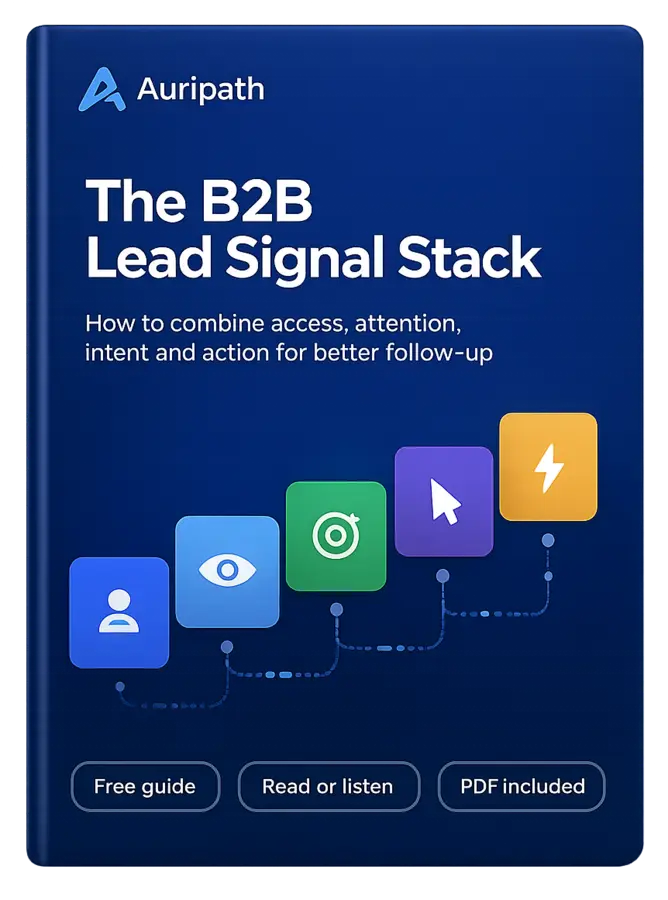
FREE AUDIO EBOOK
Get the free audio ebook for better B2B follow-up.
Learn how to turn PDF downloads, listening behavior, and CTA clicks into stronger sales conversations.